
Café POS
POS System for Cafés & Coffee Shops
KinNow runs your café from the first order to the monthly profit. Customers order drinks and food from the QR code on their table, drinks print at the bar and food in the kitchen, and every cup takes its coffee, milk and syrup out of your stock.
No. 01
Customers order from their table
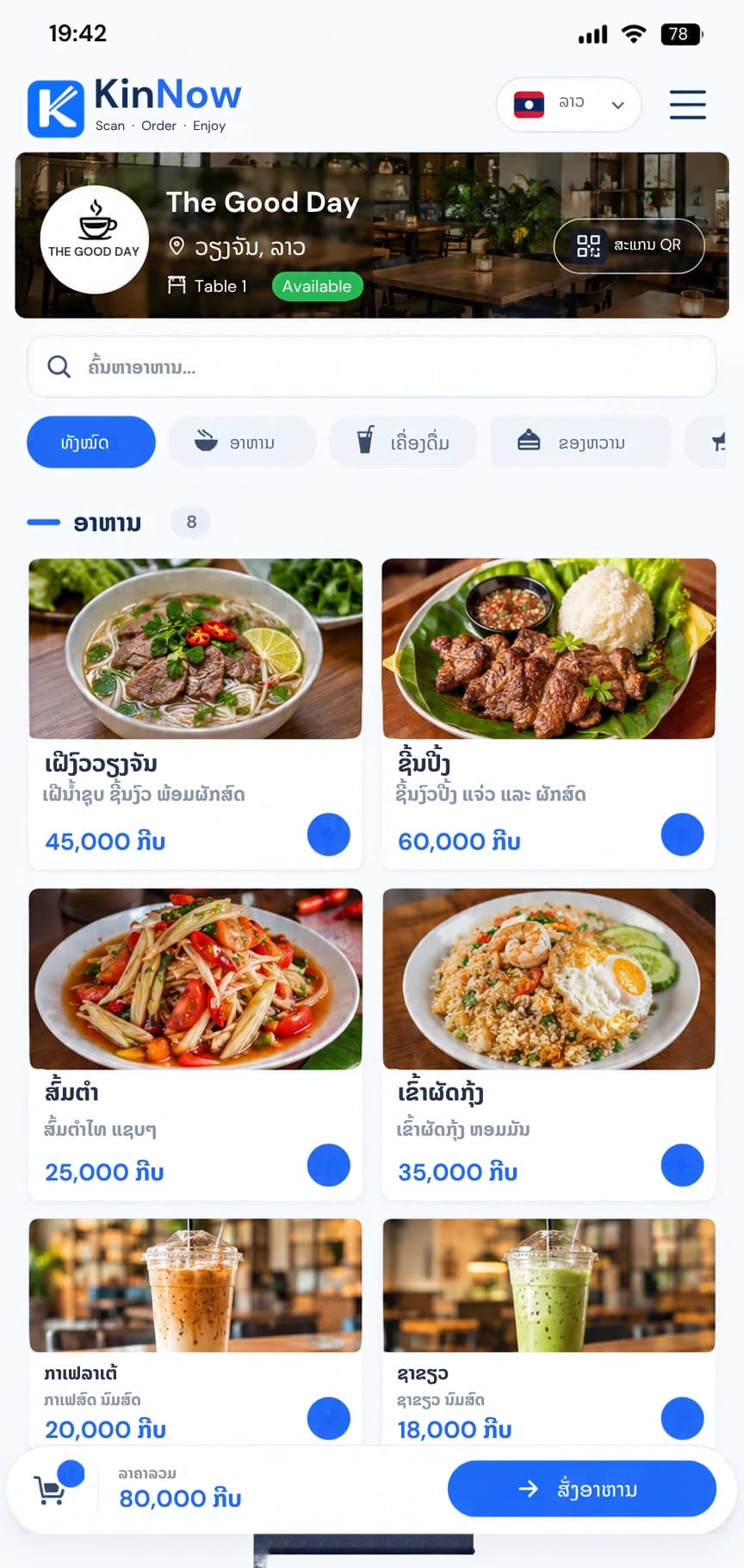
- Menu with photos, categories and prices
- Friends at one table can join the same order
- Your best sellers are highlighted
Read more
Each table has its own QR code. Customers scan it with their phone camera, see your menu with photos and prices, and send the order. There is no app to install and no queue at the counter. Sweetness, size and toppings are set up once; staff and customers pick them with every drink, and a topping can add to the price.
No. 02
Counter and takeaway orders, called by number
- Pay-first counter orders with a queue number
- Takeaway orders paid at pick-up
- A queue display on any screen with a browser
Read more
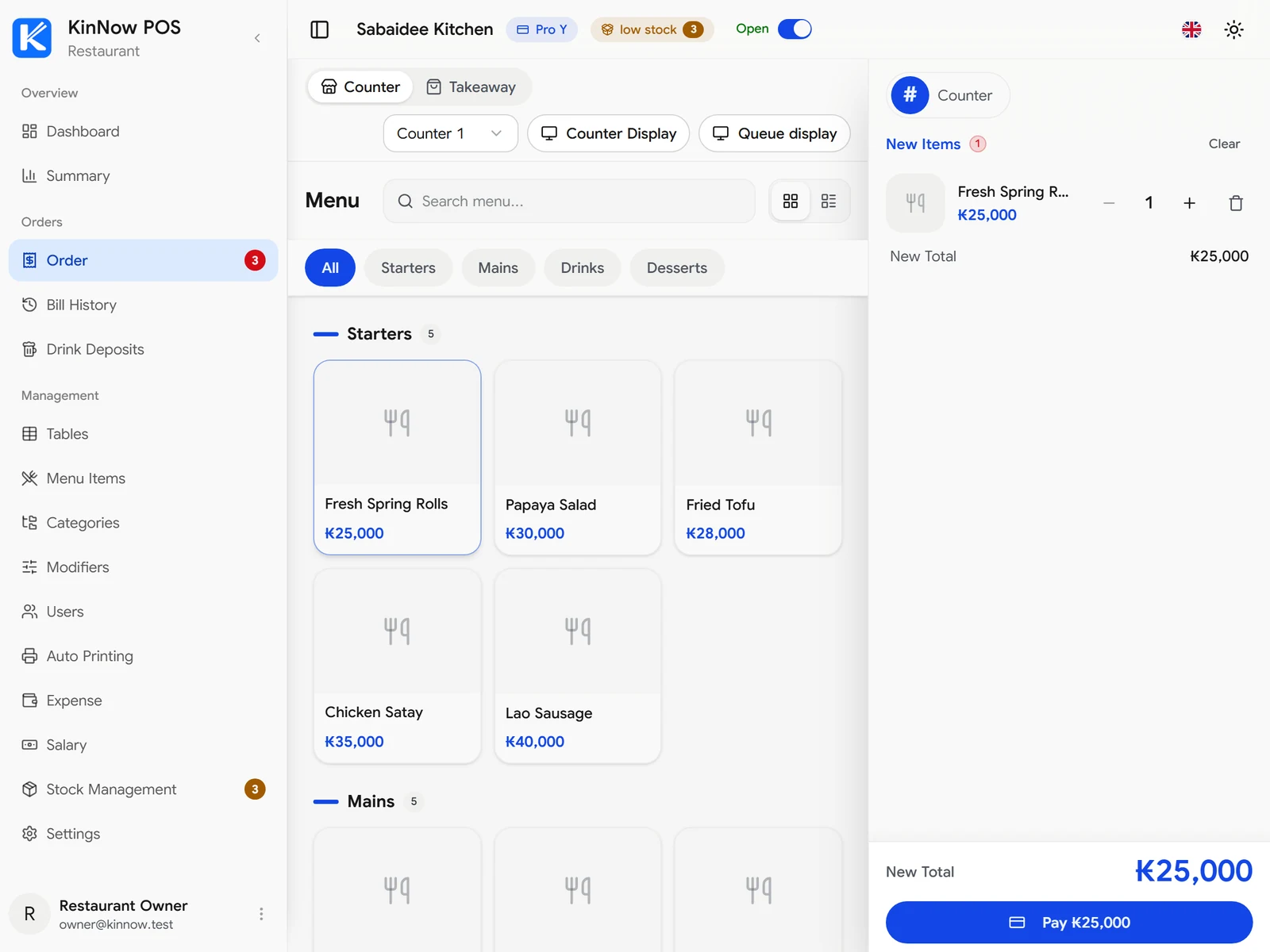
Take an order at the counter without a table. The customer pays first and gets a queue number, and the drink goes to the bar only once it is paid. Takeaway orders go to the bar at once and are paid at pick-up. A screen facing your customers shows the number being called.
No. 03
Drinks to the bar, food to the kitchen
- Separate bar and kitchen tickets
- Tickets missed while offline print when the computer reconnects, never twice
- Receipts print at the counter
Read more
Set each menu category to the bar or the kitchen. With the KinNowPrint app on a shop computer, new tickets print by themselves at the right station, so the barista only sees drinks and the kitchen only sees food.
No. 04Pro
Stock that knows every cup
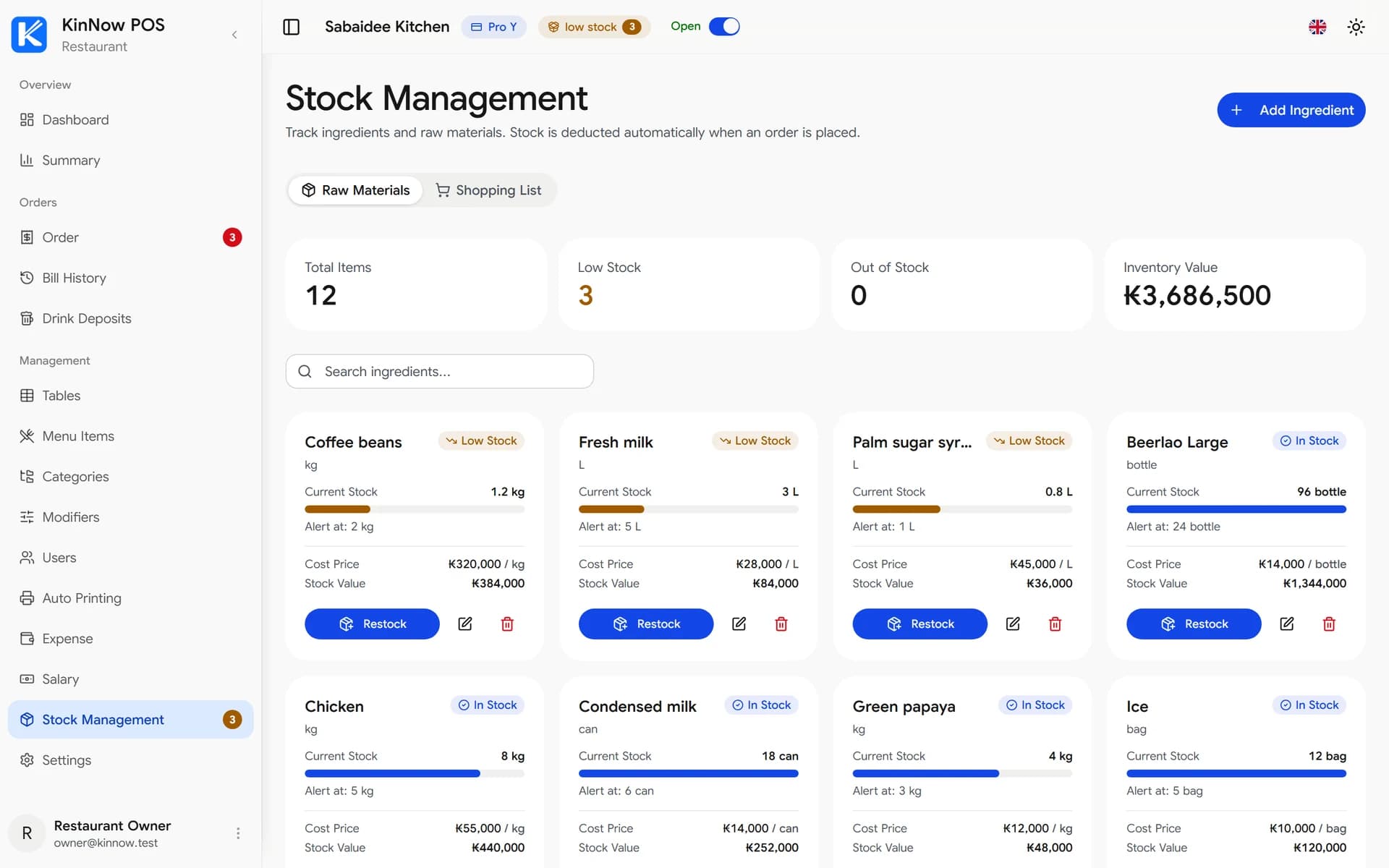
- Low-stock alerts and a ready shopping list
- Restock records with the price you paid
- A drink is marked sold out when an ingredient runs out
Read more
Link ingredients to each drink, for example 18 g of coffee and 150 ml of milk for a latte. Every sale deducts them automatically, so you see beans or milk running low before you run out.
No. 05
Quick checkout
- Cash, card and QR payment
- Printed receipts
- Optional 10% VAT on every bill
Read more
Close a table with cash, card or a bank QR payment, print a receipt, and show the running total on a customer-facing screen at the counter.
No. 06Pro
See your real profit
- Daily, monthly and yearly reports
- Profit and margin after costs
- Export to Excel
Read more
Record rent, electricity and other costs, pay salaries with bonuses and deductions, and see revenue, costs and margin by day, month or year.
No. 07
Made for cafés in Laos
- 4 languages for staff and customers
- LAK, THB, USD or KRW
- Separate logins for each barista
Read more
Run KinNow in Lao, Thai, English or Korean and price your menu in LAK, THB, USD or KRW. Tourists can switch the ordering screen to their own language.
- ລາເຕເຢັນ₭30.000
- ເອັສເປຣສໂຊ₭20.000
- ຄົວຊອງ₭25.000
2× ລາເຕເຢັນ₭60.000
1× ຄົວຊອງ₭25.000
ອາກອນມູນຄ່າເພີ່ມ 10%₭8.500
ລວມທັງໝົດ₭93.500
- ลาเต้เย็น฿65
- เอสเปรสโซ฿45
- ครัวซองต์฿55
2× ลาเต้เย็น฿130
1× ครัวซองต์฿55
ภาษีมูลค่าเพิ่ม 10%฿18.5
ยอดรวม฿203.5
- Iced latte$1.50
- Espresso$1.00
- Croissant$1.25
2× Iced latte$3.00
1× Croissant$1.25
VAT 10%$0.43
Total$4.68
- 아이스 라테₩5,500
- 에스프레소₩3,500
- 크루아상₩4,000
2× 아이스 라테₩11,000
1× 크루아상₩4,000
부가세 10%₩1,500
합계₩16,500
Get your café started
Create your café
Sign up for free and enter your café's name, address and currency.
Add drinks, food and ingredients
Add your menu with photos and prices, and link the ingredients each item uses.
Print your table QR codes
Print a QR code for each table from KinNow and place it on the table.
Connect printers (optional)
Install KinNowPrint on a shop computer to print bar and kitchen tickets automatically.
Café POS questions
Do customers need to install an app?
No. Customers scan the table's QR code with their phone camera and order in the browser.
Can drinks print at the bar and food in the kitchen?
Yes. Set each menu category to the bar or the kitchen, and KinNowPrint prints every ticket on the right thermal printer.
Can KinNow track coffee beans, milk and syrups?
Yes. Link ingredients to each drink in any unit, such as g, ml or bottle, and they are deducted with every sale. You get low-stock alerts and a shopping list. Stock management is part of the Pro plan.
What devices do I need?
Any phone, tablet or computer with a web browser. Printing tickets automatically needs a computer running KinNowPrint and thermal printers.
How much does it cost?
You can start on the free plan. Menu items are unlimited on every plan; Pro removes the limits on tables and staff. See the pricing page for current prices.
Learn more
Free plan · No credit card · Runs on the phone, tablet or computer you already have